 MapleStory NGLB
[Community] Guild

Summary
“[Community] Guild” is an official guide from MapleStory N Official Beginner's Guides on 2024-11-20. Its canonical Nexon thread and publication metadata are retained for source-backed verification.
Article body
Guild
Table of Contents
-
What Is a Guild?
-
Creating a Guild
-
Guild UI
-
Guild Activities Score
-
Guild Points (GP)
-
Guild Unions
1. What Is a Guild?
A guild is a group of like-minded people who enjoy playing games together.
You can apply to an existing guild and enjoy adventures with your friends.
You can also participate in guild activities to enhance your gameplay experience.
2. Creating a Guild
-
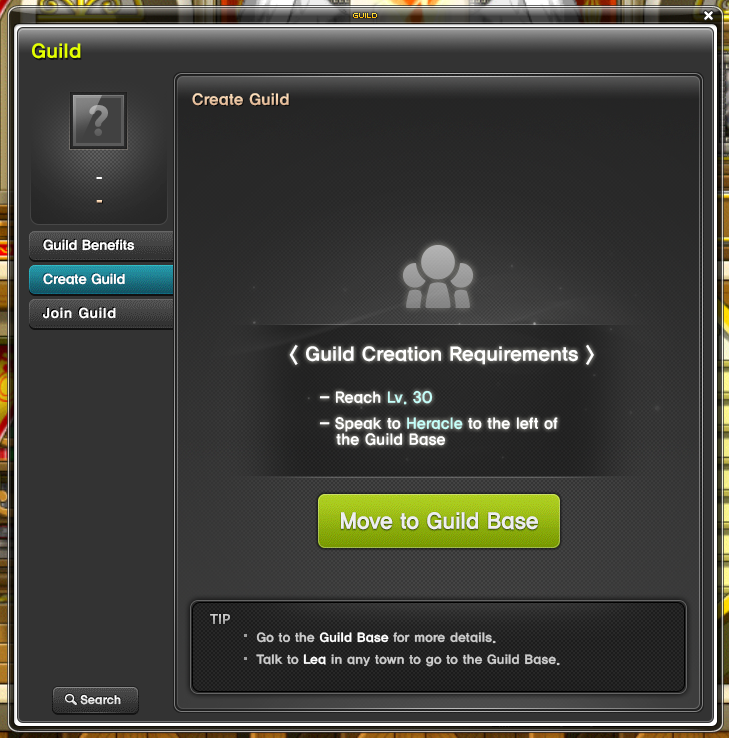
Guild Creation Requirement: Character Lv. 30+
2.1. How to Create a Guild
1) Go to the Guild Base: Hall of Heroes by talking to NPC Lea in each village, the Fast Travel menu, or the Guild UI.
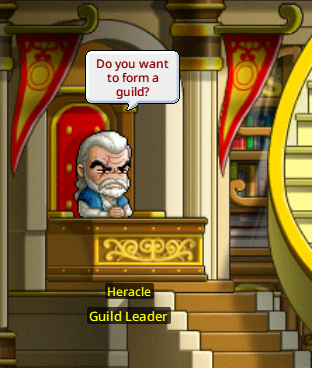
2) Click on NPC Heracle in the Guild Base: Hall of Heroes to start creating a guild.
3. Guild UI
Tap the Basic Key Setting (G) to check Guild information.
If you haven't joined a guild, please find a guild that is advertising or a guild you are looking for and apply.
If you have joined or created a guild, you can check the information for that guild.
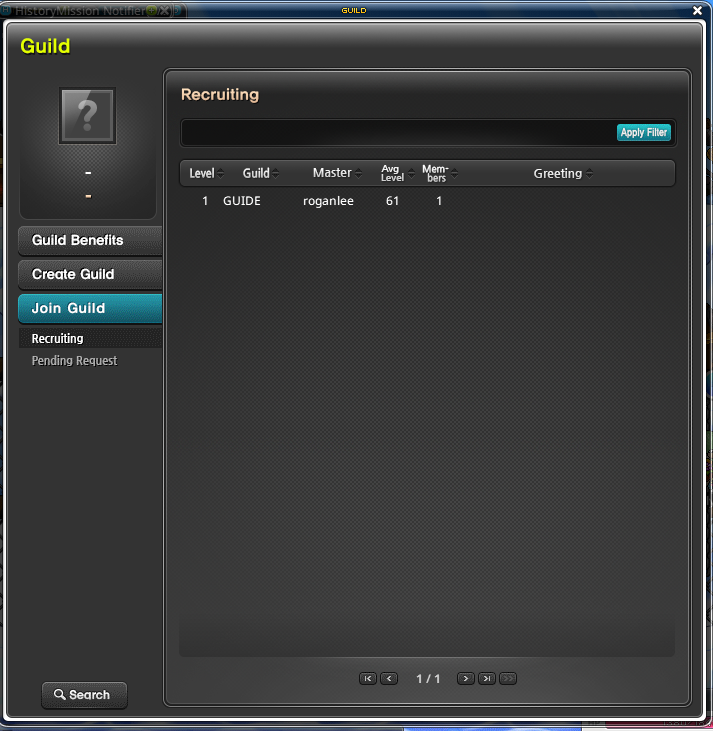
3.1. Not in a Guild?
-
View Guild Benefits: You can review the various benefits each guild has to offer.
-
Join a Guild: You can see which guilds are recruiting members.
-
Find a Guild: You can search for a specific guild.
3.2. Already Joined or Created a Guild?
-
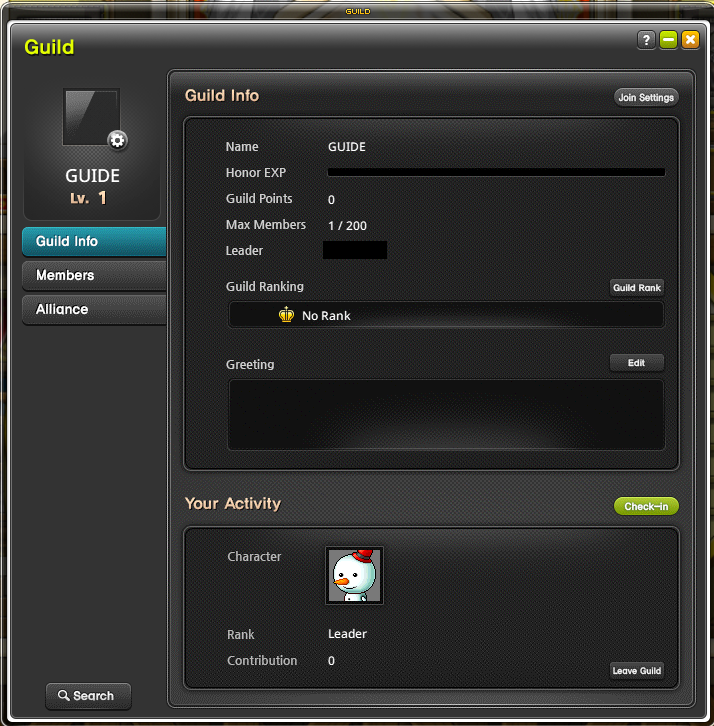
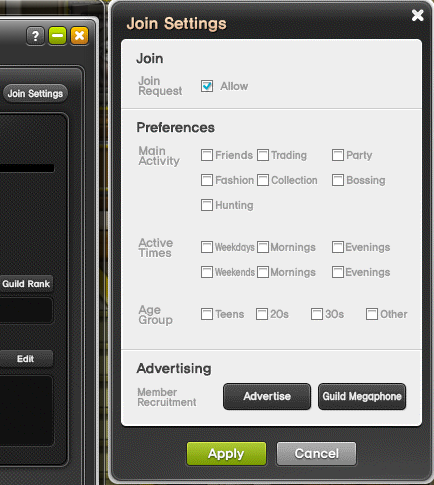
Join Settings: You can display the guild's main activities, connection time, age range, and other details to help players who are looking for a guild find one that suits their interests.
-
Guild Information: You can review guild points, members, and guild masters.
-
Guild Ranking: You can review the weekly ranking for Honor EXP earned.
-
Greeting: You can write a guild introduction using up to 150 characters.
-
Check-In: You can check in at your guild once per day and obtain extra Honor EXP based on how many people checked in.
-
Leave Guild: Click the button and then click Confirm to immediately leave the guild.
-
Your Activity: You can check your position and activities in the guild.
4. Guild Activities Score
As guild members' activity scores accumulate, the Honor EXP, the guild's experience points, also accumulates.
When your accumulated activity scores reach 10, you'll get an additional 3 Guild Points (GP).
You can accumulate guild activity scores regardless of guild level. You can't get more than 5,000 per person per day.
-
However, the Honor EXP you acquire will be reflected in the weekly Honor EXP ranking, and you can also gain guild points (GP).
5. Guild Points (GP)
Guild Points (GP) are used in a variety of ways, such as advertising for your guild, recruiting guild members, and changing guild marks.
5.1. Guild Advertisement
-
Click the Join Settings button in the Guild UI to start [Advertising] for your guild.
-
It costs 1,500 GP per advertisement.
-
5.2. Recruiting Guild Members
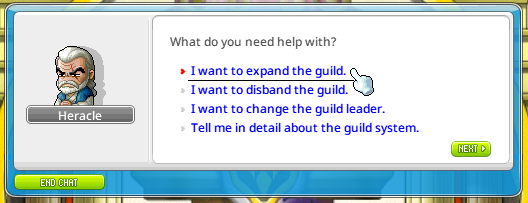
Talk to NPC Heracle in the Guild Base: Hall of Heroes to recruit guild members.
-
You can recruit 10 guild members at a time. The amount of GP required to recruit guild members varies depending on the current maximum number of guild members.
-
You can recruit up to 200 guild members.
5.3. Changing the Guild Mark
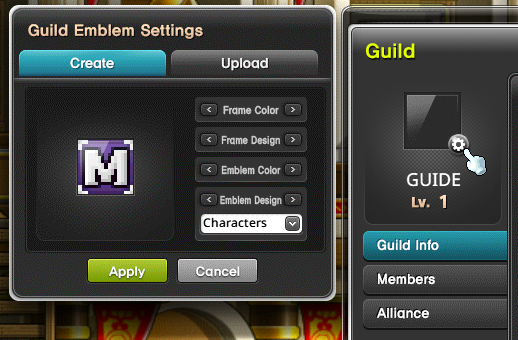
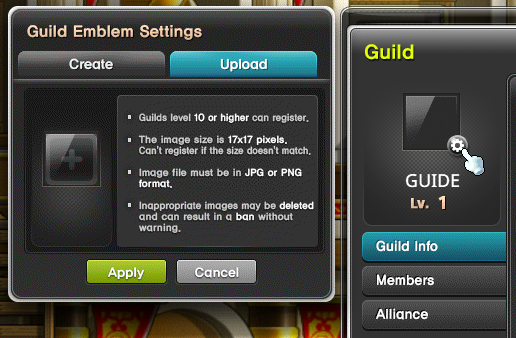
You can spend 150,000 GP to change your Guild Mark.
Use the provided presets to design your Guild Mark.
6. Guild Unions
A guild union is a gathering of like-minded guilds.
Once a guild union is formed, you can chat together in the union chat window even if you are from different guilds.
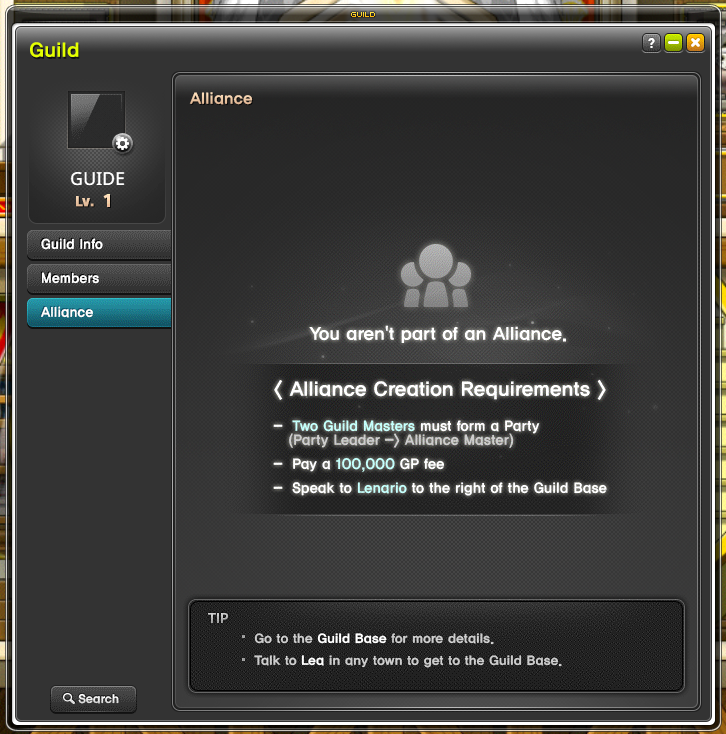
6.1. How to Create a Guild Union
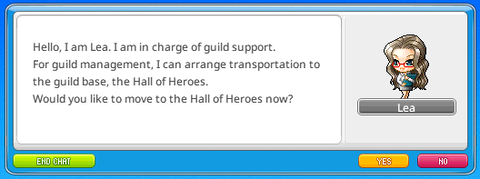
- Talk to NPC Lea in each town to go to the Guild Base: Hall of Heroes.
-
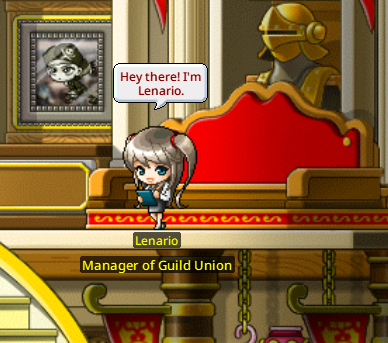
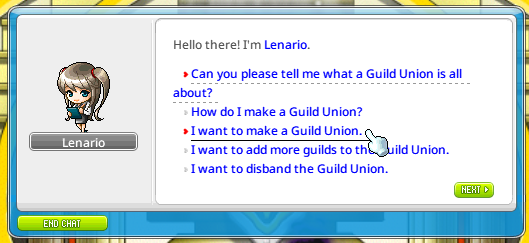
Talk to NPC Lenario in the Guild Base: Hall of Heroes to create a Guild Union.
More from this series
This Guides entry belongs to MapleStory N. Related pages below keep this series separate from other MapleStory games.
Source and verification
MPStorys shows the readable on-site body above. The source page remains attached only as a citation and update trail.
MapleStory N Official Beginner's Guides